




Brunocasino App
The Brunocasino app is the mobile entry point for players who want faster access without a store download. You add it from the official website, keep your regular account, and open the casino from a saved icon.
This setup keeps the mobile flow simple. The lobby loads in a focused view, account tools stay close, and you do not need a separate app-store profile to start.



What the Brunocasino Application Is
The Brunocasino application works as a Progressive Web App, or PWA. You open the official website in your browser and save the casino to your device as a shortcut. There is no need to download a large file or search for an APK.
After setup, the shortcut opens the site in an app-style window. The screen shows less browser clutter and gives more space to the lobby, games, cashier, and account tools. Updates come through the website, so the mobile version stays current without manual installs.
Why Players Use the Mobile Version
The Brunocasino app is useful when you want access in a shorter moment. A desktop screen is better for long sessions, reading detailed terms, or watching live games with more space. Mobile works better when you want to check the lobby, open a saved game, review your balance, or use the cashier from a smaller screen.
The main difference is comfort. On mobile, buttons need to stay easy to tap. Game rows need to stay readable. The cashier should not feel hidden behind too many menus. The Brunocasino application keeps those daily actions close, so the session does not feel heavy on a small screen.
The mobile setup also helps when you move between devices. You can start on mobile, return later on a laptop, and keep the same account details. Your balance and profile stay connected because the app uses your regular login.
Benefits and Features of the Bruno Casino App
The Brunocasino app keeps mobile play focused on simple actions. You can open the casino from a home-screen icon, use touch-friendly navigation, and return to the lobby without extra steps.
Main benefits include:
- faster access from a saved icon on your device;
- one account for mobile, tablet, and desktop;
- a cleaner app-style screen with less browser clutter;
- easier touch control for short sessions;
- access to the cashier, support, and account tools from the same profile.
The desktop site still has its place. A larger screen gives more room for live dealer tables and detailed account pages. The mobile version wins when speed and convenience matter more than screen size.
Brunocasino Application for iOS
The Brunocasino application works best on iPhone and iPad through Safari. Safari gives the cleanest route for adding the platform to the home screen. Once the icon appears, you can open the site like an app and sign in with your usual account details.
The iOS layout keeps the lobby compact. Game cards stay readable, and the account area stays easy to reach. On iPad, the wider screen gives more space for live games and category browsing, so it can feel closer to desktop play.
To add the shortcut, open Brunocasino in Safari, tap the Share button, choose Add to Home Screen, then confirm. Use the icon from your device screen when you want to return later.
Bruno Casino App for Android
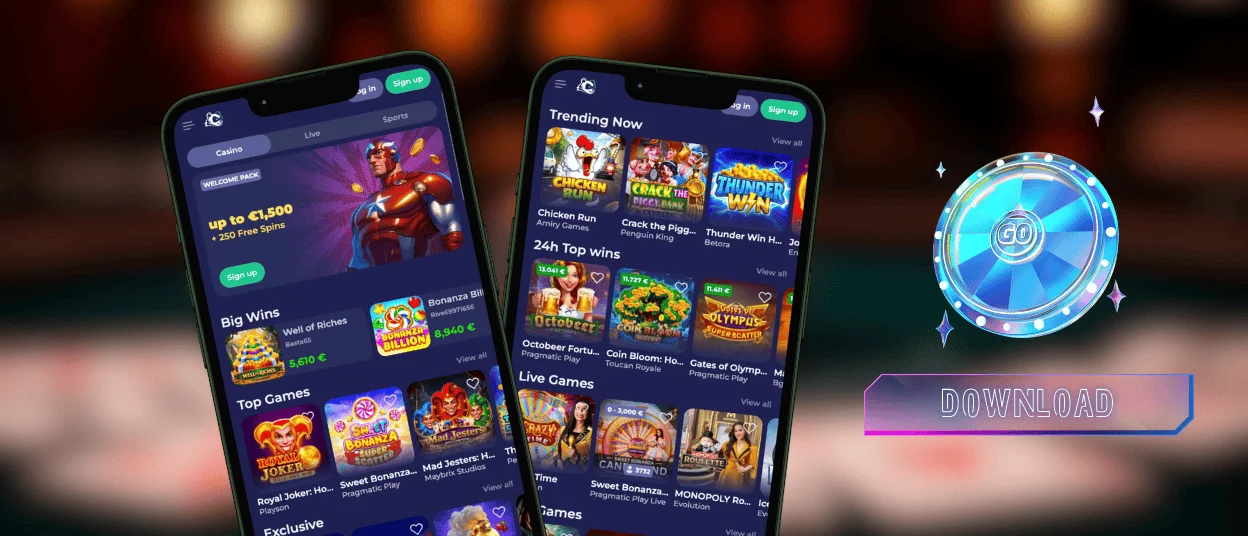
The Bruno Casino app on Android works through Chrome or another modern browser. You do not need to look for an APK file. Use the official website only, then add the platform to your home screen from the browser menu.
Chrome usually gives the smoothest setup. This route is also safer than third-party files because the platform runs through the browser and stores only the data needed for faster loading.
To add the Bruno Casino app on Android:
- Open the official website in Chrome;
- Tap the three-dot browser menu;
- Choose Add to Home Screen or Install App;
- Confirm the shortcut name;
- Open the new icon and log in.
Play on Mac or Windows
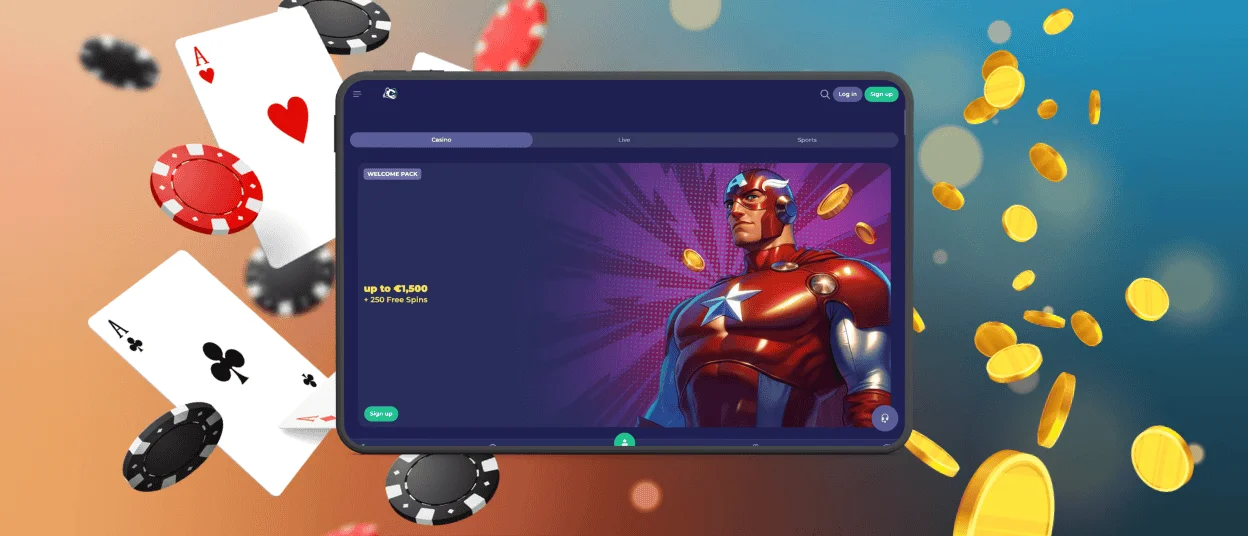
You can use Brunocasino on Mac or Windows through a modern browser. Desktop play gives a wider view of the lobby, makes detailed pages easier to read, and helps when you manage documents or compare payment information. Some browsers can also create a shortcut, so the Bruno Casino application can open faster next time without a separate desktop installer.
Security and Good Habits
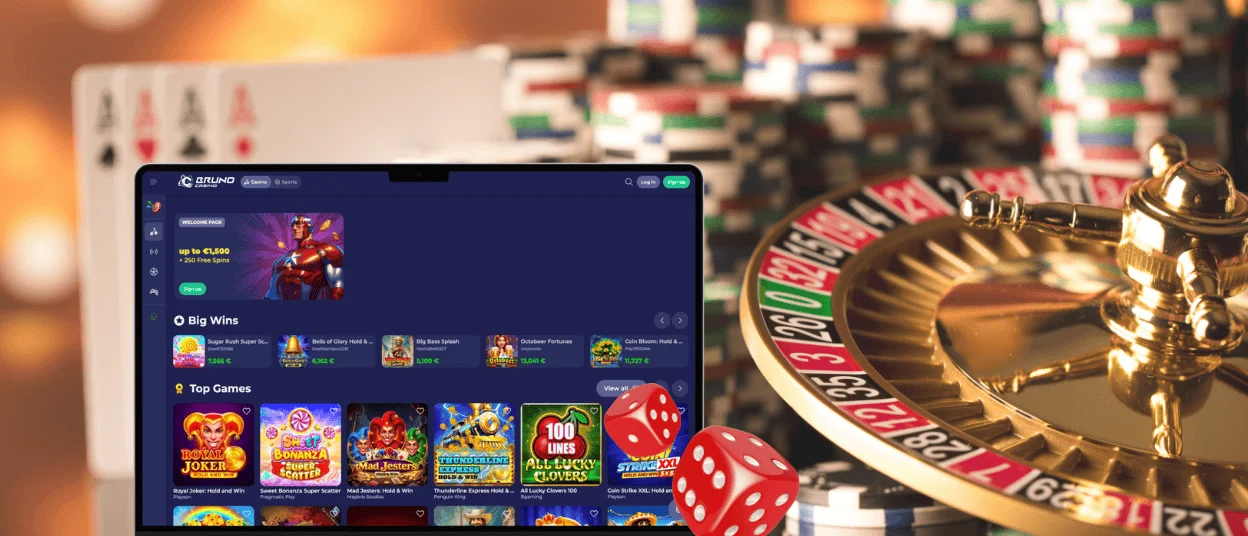
Use only the official Brunocasino website when you create the mobile shortcut. Skip APK files from forums, mirror pages, social chats, or ads. A fake file can copy a login form, ask for unsafe permissions, or send you to a payment page that does not belong to the casino.
Keep your browser up to date before you play. Use a unique password and lock your device with Face ID, fingerprint login, or a passcode. This matters even more if your browser saves login details.
Payments deserve one extra check. Review the amount and method before you confirm. For crypto, compare the coin and network with the cashier screen. If a payment page stops responding, do not repeat the same action right away. Open support and ask them to check the transaction first.
Best Setup for Smooth Play
Small technical details affect how the Brunocasino app feels in daily use. A fresh browser handles game frames better. A stable connection matters for live tables because the video stream and bet buttons need to stay in sync. Free device space also helps the browser load new site files without delay.
| Setup check | Best option | Player benefit |
| Android access | Chrome or Edge | Add the shortcut from the browser menu and handle cashier redirects with fewer issues |
| iOS access | Safari | Use the Share menu and save the casino to the home screen in the most stable way |
| Desktop access | Updated Chrome, Edge, Firefox, or Safari | Open the lobby, cashier, and live chat without using old browser files |
| Connection | Reliable Wi-Fi or stable mobile data | Keep live tables smoother and reduce failed payment confirmations |
| Device condition | Updated OS with some free storage | Let the browser refresh site files and keep the app-style view responsive |
| Account safety | Password manager plus screen lock | Sign in faster while keeping access away from other people using the device |
If the lobby does not open normally, refresh the page once. Then close the app-style window and launch it again from the saved icon. For live casino freezes, switch from Wi-Fi to mobile data or back again.
FAQ
Which browsers work best with the Brunocasino mobile app?
Use Chrome or Edge on Android. Use Safari on iPhone and iPad because it handles the home-screen shortcut better than most in-app browsers. On desktop, keep Chrome, Edge, Firefox, or Safari updated.
Will my balance sync between the Brunocasino app and the desktop site?
Yes. The balance comes from your Brunocasino account after you sign in. If you move from desktop to mobile, the same profile opens with your current balance, offers, and payment records. Refresh the page once if you just made a deposit and the amount has not updated yet.
How can I fix the Brunocasino application if it will not load?
Refresh the page first. If that does not help, close the app-style window and open it again from the saved icon. Check your connection after that. When the page still loads an old or broken lobby, update the browser and then clear site data.
Can I manage mobile notifications?
Yes. Open your device settings and check the permissions for the browser you use with Brunocasino. You can allow alerts there, block them, or change the setting later. The exact menu name depends on your device.
Do I need a separate password for the mobile app?
No. Use the same login details as on the desktop website. Save them in a password manager if you want faster sign-in and fewer typing mistakes. Avoid using the same password on other casino, email, or payment accounts.


